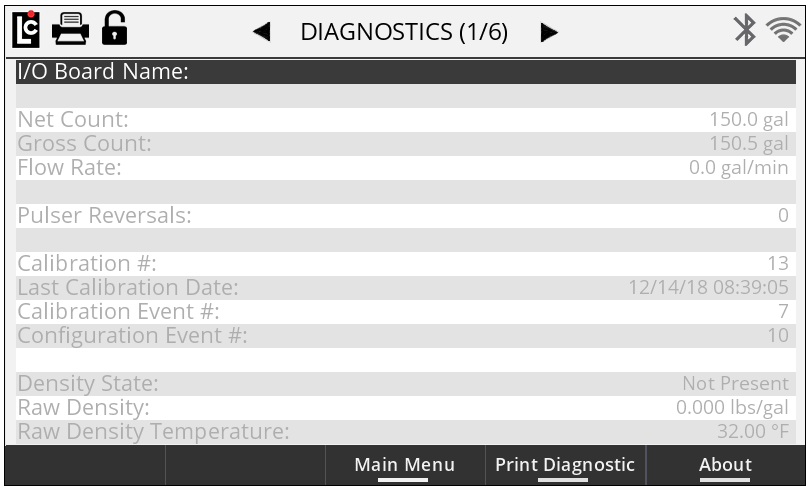
With menus, you can quickly navigate to various operational screens available within the Register. There are two menus accessible to the user, the Main Menu and the Setup Menu. Access to the main menu is accessible from the idle delivery screens, or anytime the Register first enters the calibration mode (in a a non-active delivery mode). Access to the setup menu is available from the Main Menu only. Each menu provides access to a number of operational screens.
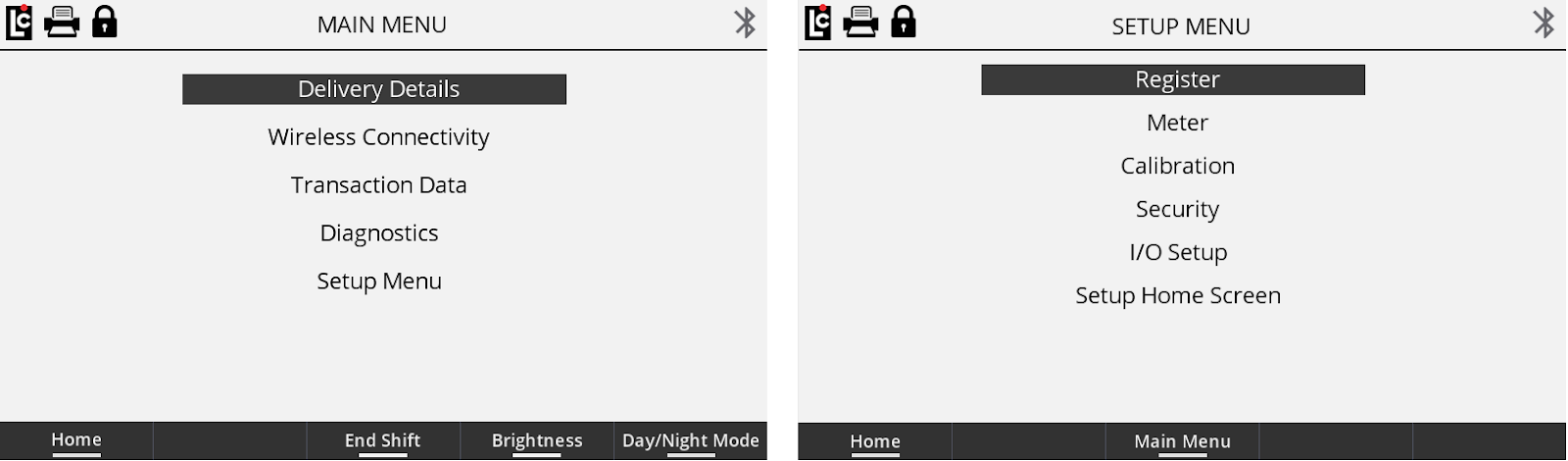
Detailed Operational Screens appear anytime a selection is made to one of the menu items. When inside a detailed operational screen, you will see the title of the screen, the page number (if multiple pages are available), as well as all available parameter fields on that page.
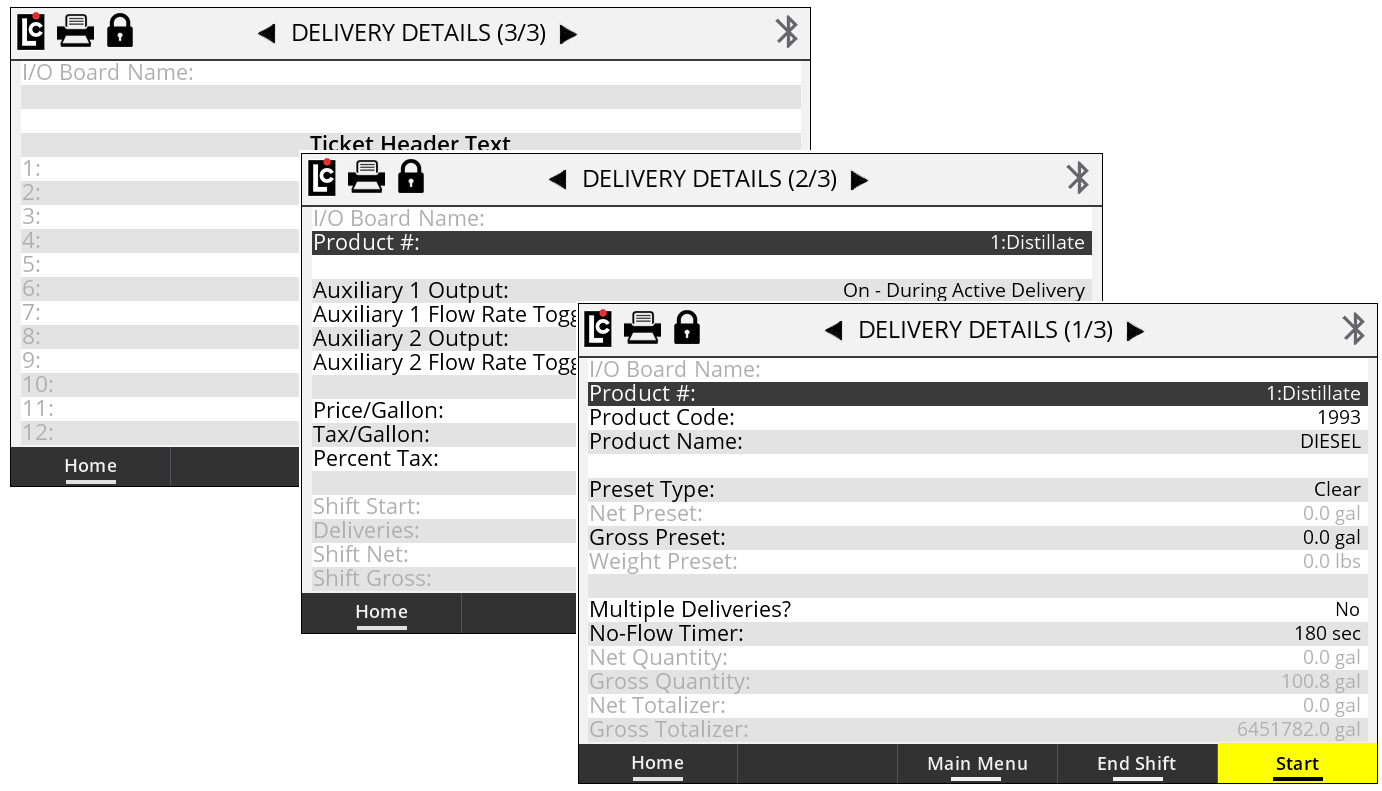
Parameter fields display current information that has already been setup. Other general information may also be shown. There are three main types of parameter fields within an operation screen: list boxes, text fields, and read-only fields.
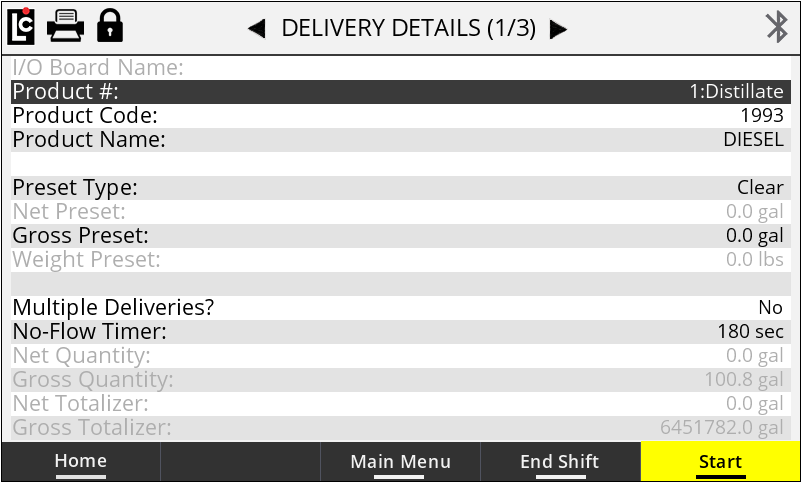
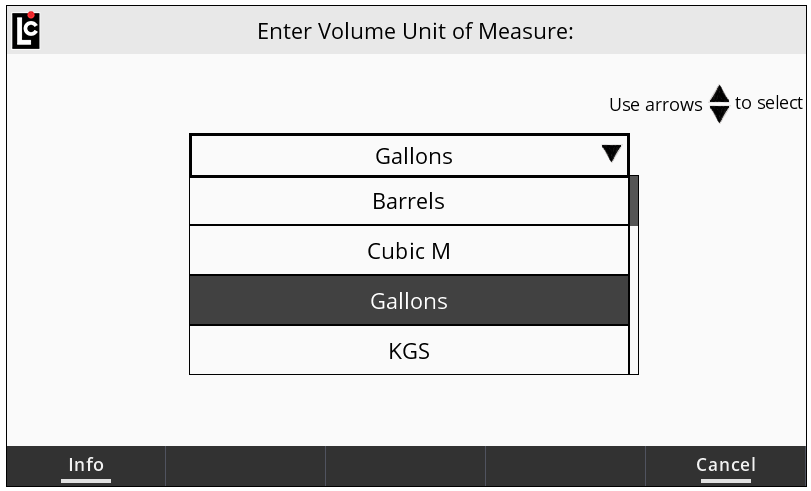
List Box parameter fields, when selected, provide the user with a list of options that are available for that specific parameter. A list may be a drop-down list of available settings, or as simple Yes/No selection. When the user selects a list box parameter, the list box will display on the screen and the user can use the navigation keys to scroll up or down through the available list of options. Press OK to make a selection.
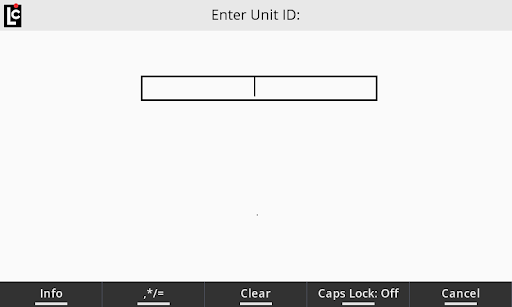
Text box: When a text box parameter field has been selected, the user can manually enter text information specific to that parameter. Text for these fields can be entered using the alphanumeric keypad. Keep in mind that a text field can either be numeric (only numbers are permitted for that parameter) or alphanumeric (either numbers or letters are are permitted for that specific parameter).
Read-only fields are for informational purposes, and display an Register parameter field that maybe be useful when setting up or programming the register. Read-only fields always appear on the screen in a gray text color.