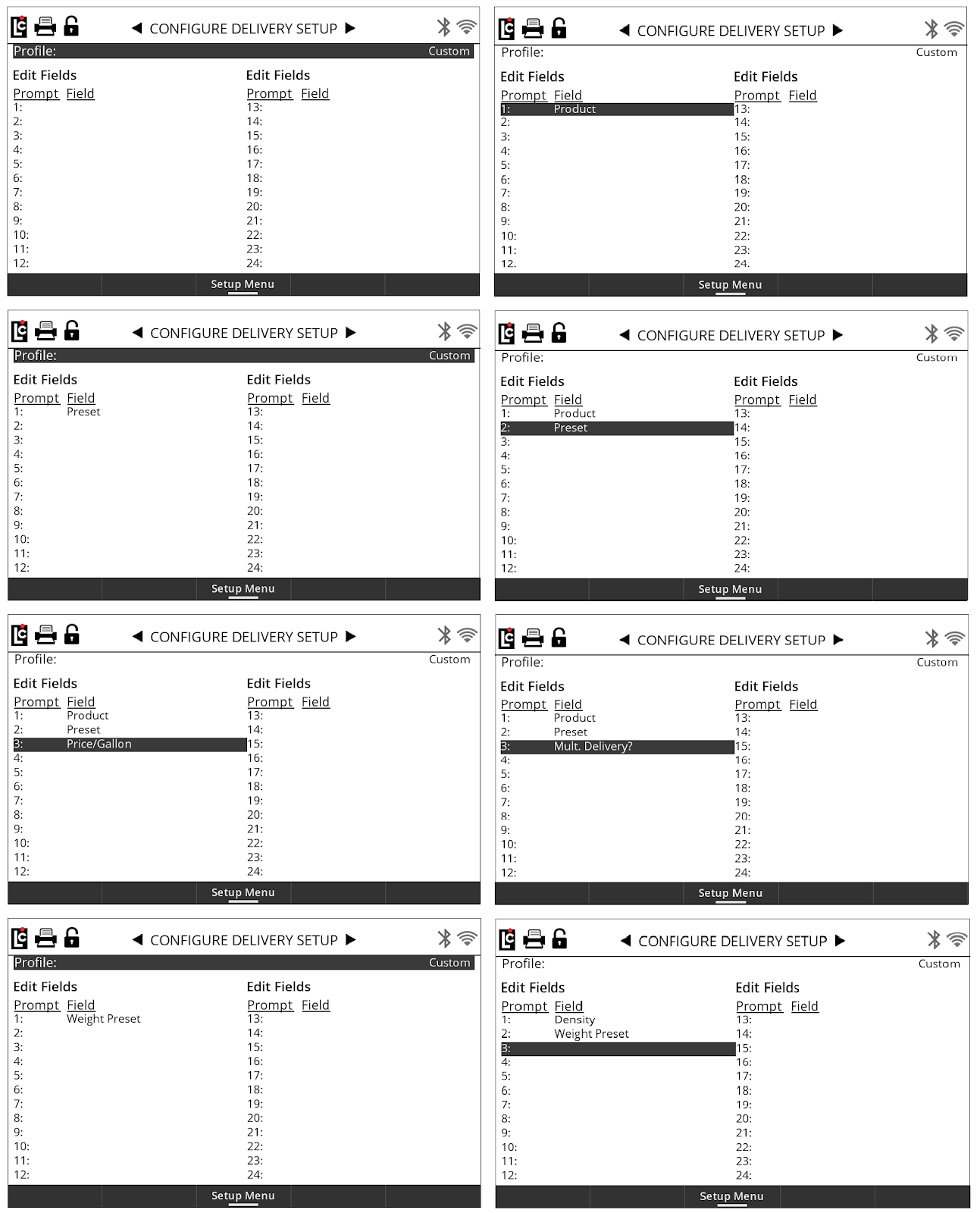
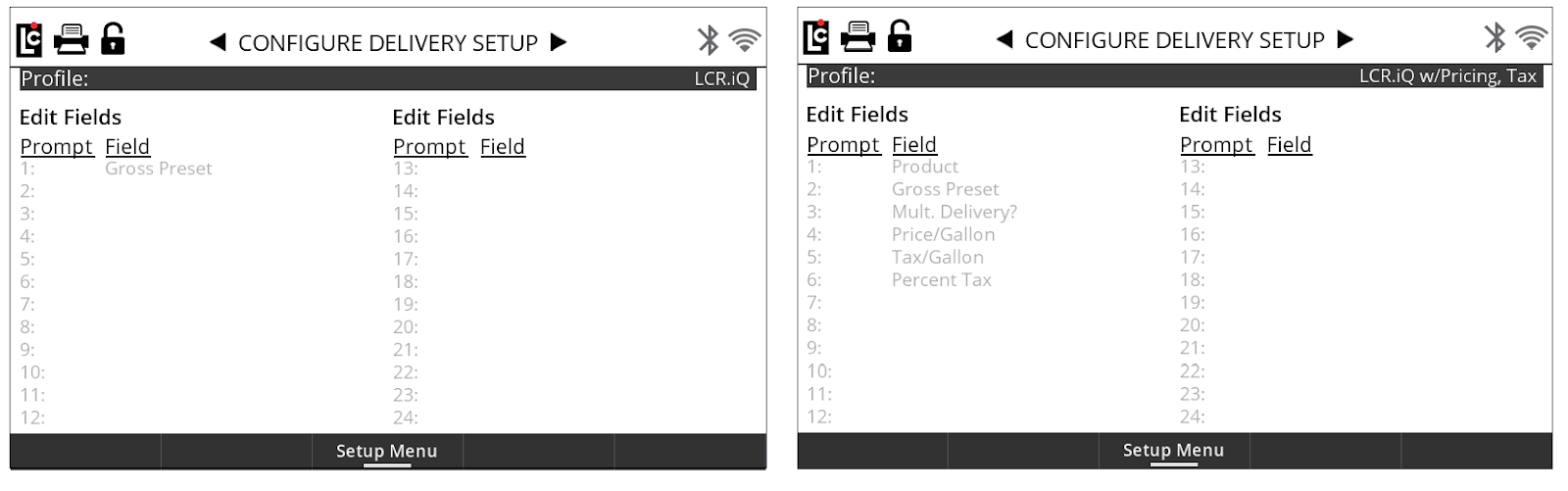
This setup configures the delivery options available when the setup delivery function key is displayed. The Register has several preconfigured delivery setup options that correspond to the specific industries. Or, a custom configuration can be setup using the custom option. There are two basic Register screens as well as pre-configured screens for common markets such as LPG, Refined Fuel and Aviation. There is a direct correspondence between the profile selected in the Customize Home Screen menus and the Configure Delivery Setup menus. If you make a profile selection in Customize Home Screen, the same profile will be selected in the Configure Delivery Setup.
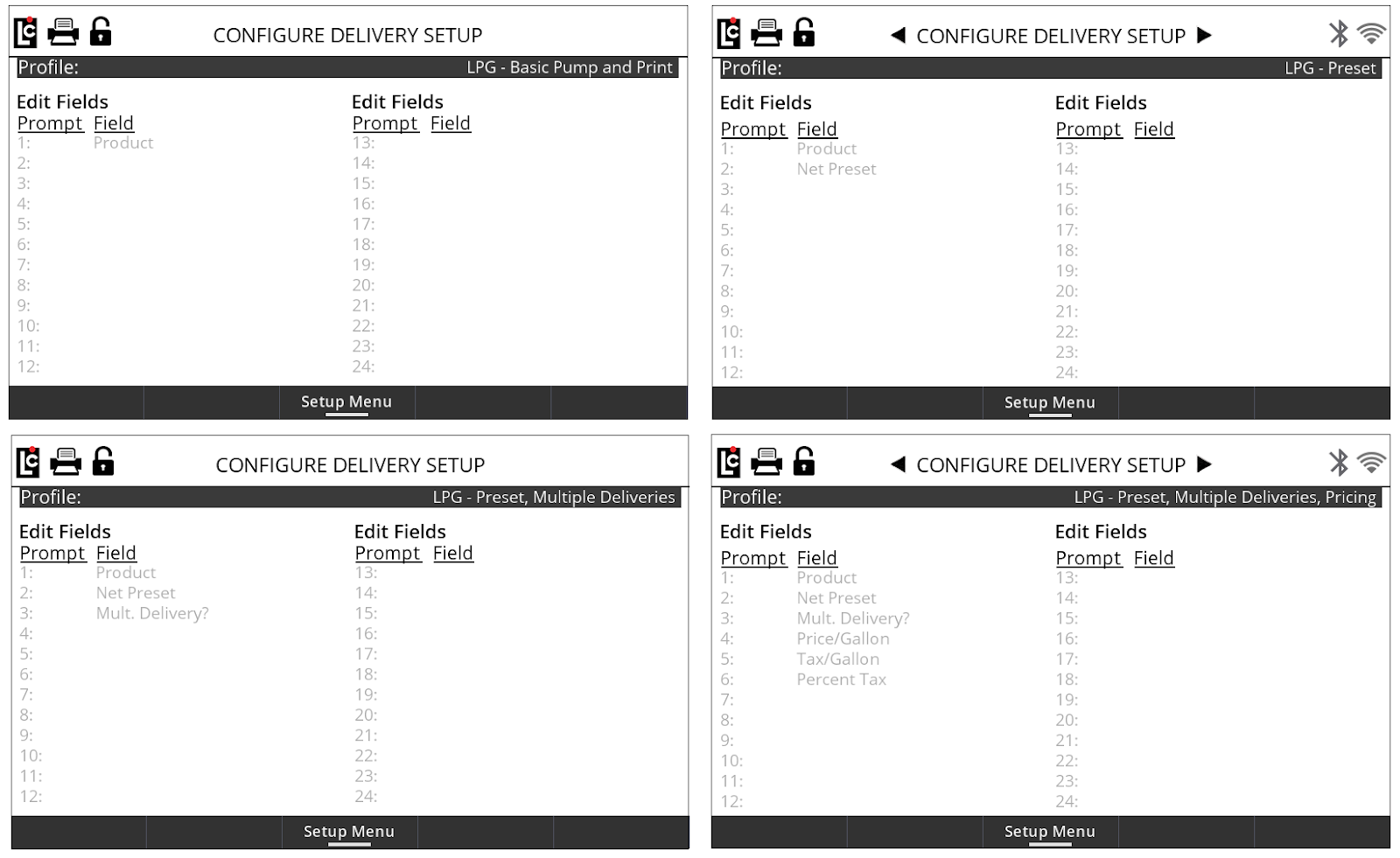
Preconfigured LPG Profiles are basic screen profiles that are tailored to propane industry standards and available options.
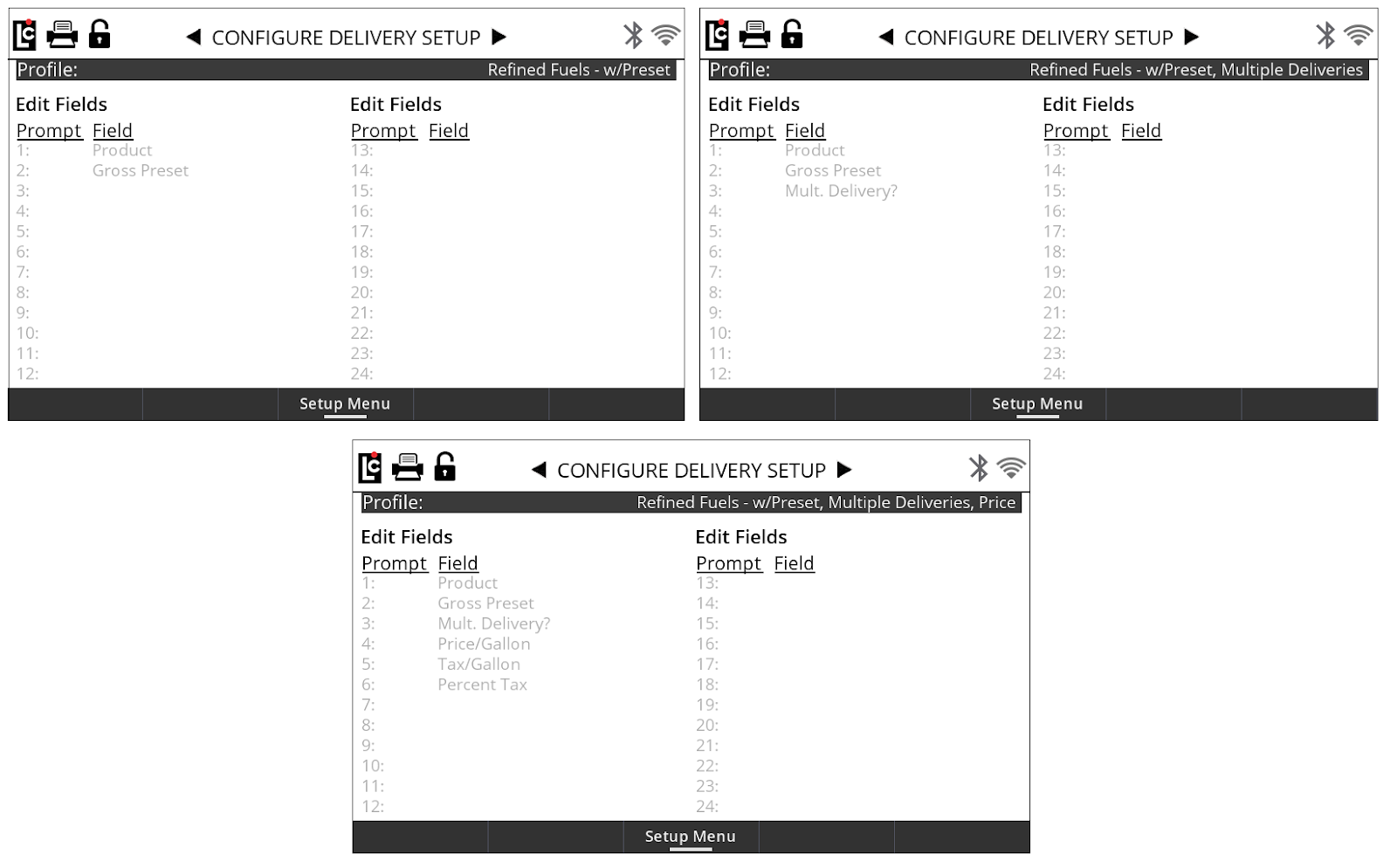
Preconfigured Refined Profiles are basic screen profiles that are tailored to refined fuel industry standards and available options.
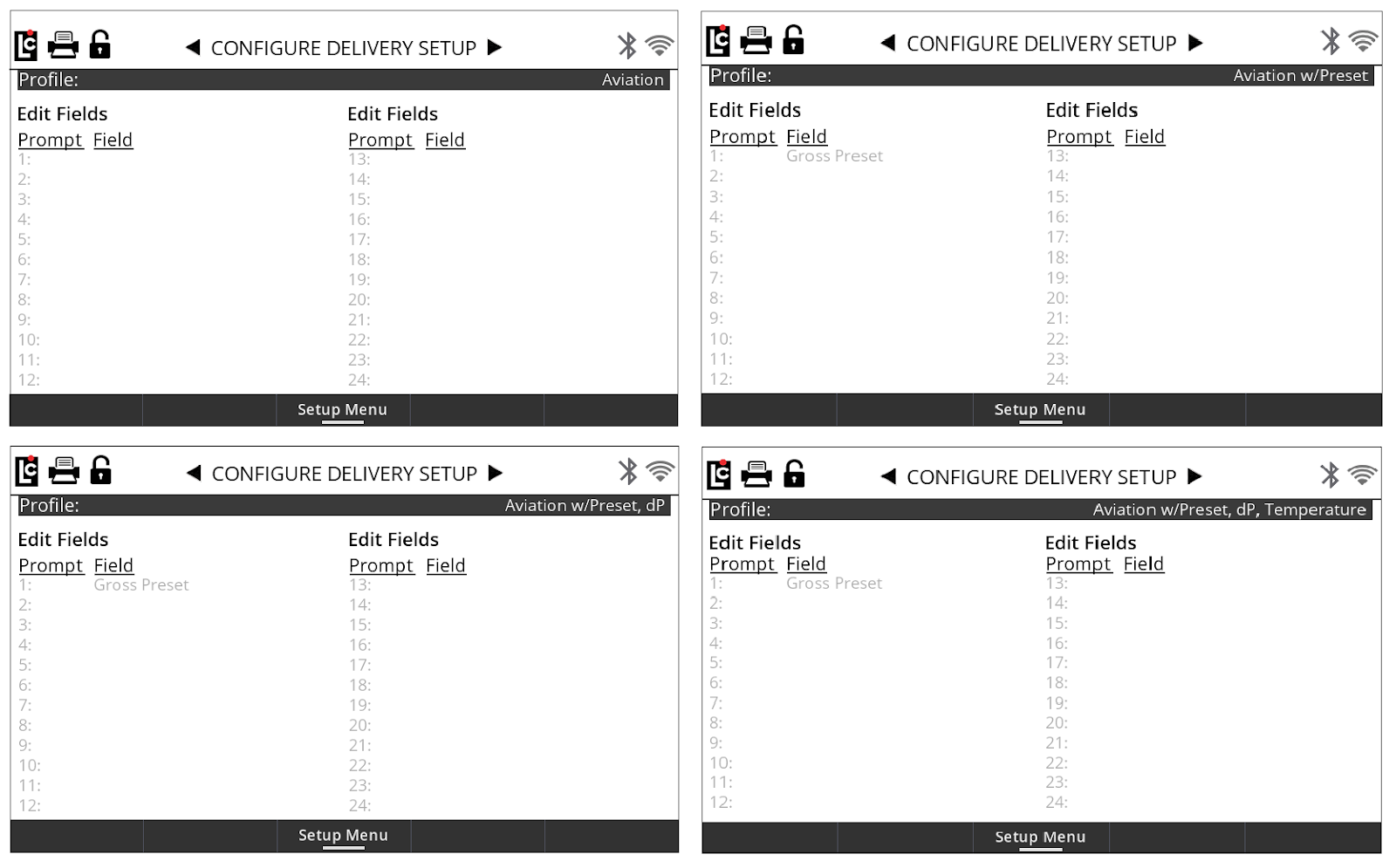
Preconfigured Aviation Profiles are basic screen profiles that are tailored to aviation industry standards and available options.
Customizing the Home Screen can be done by selecting Custom profile options: