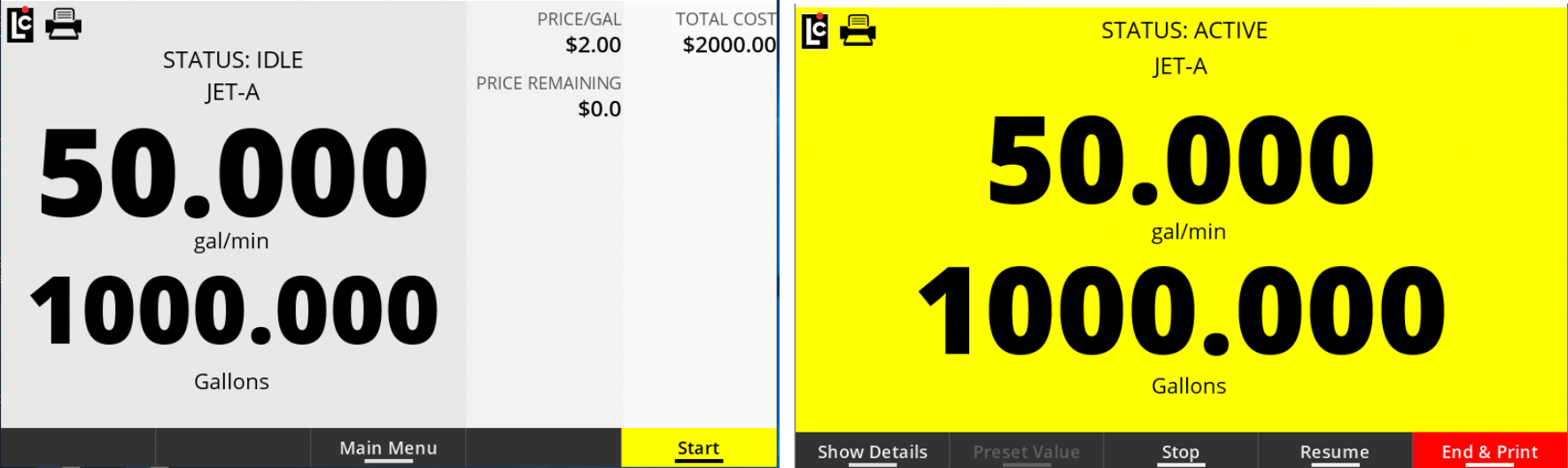
Optionally, you can split the Idle/Active Delivery screens by choosing to display a field in addition to the Delivery Volume (Net/Gross).
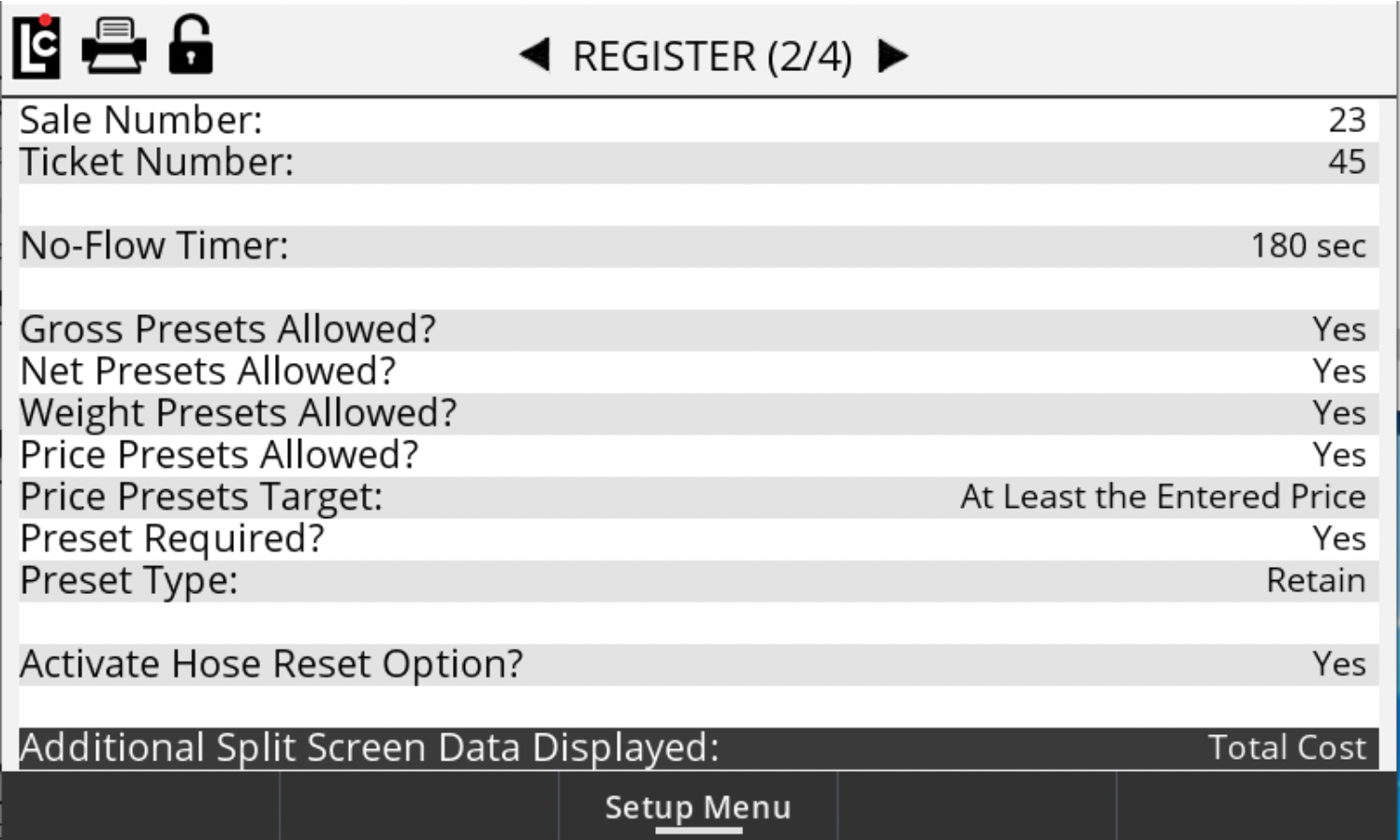
The secondary field selection is currently limited to Flow Rate and Total Cost (of sale).
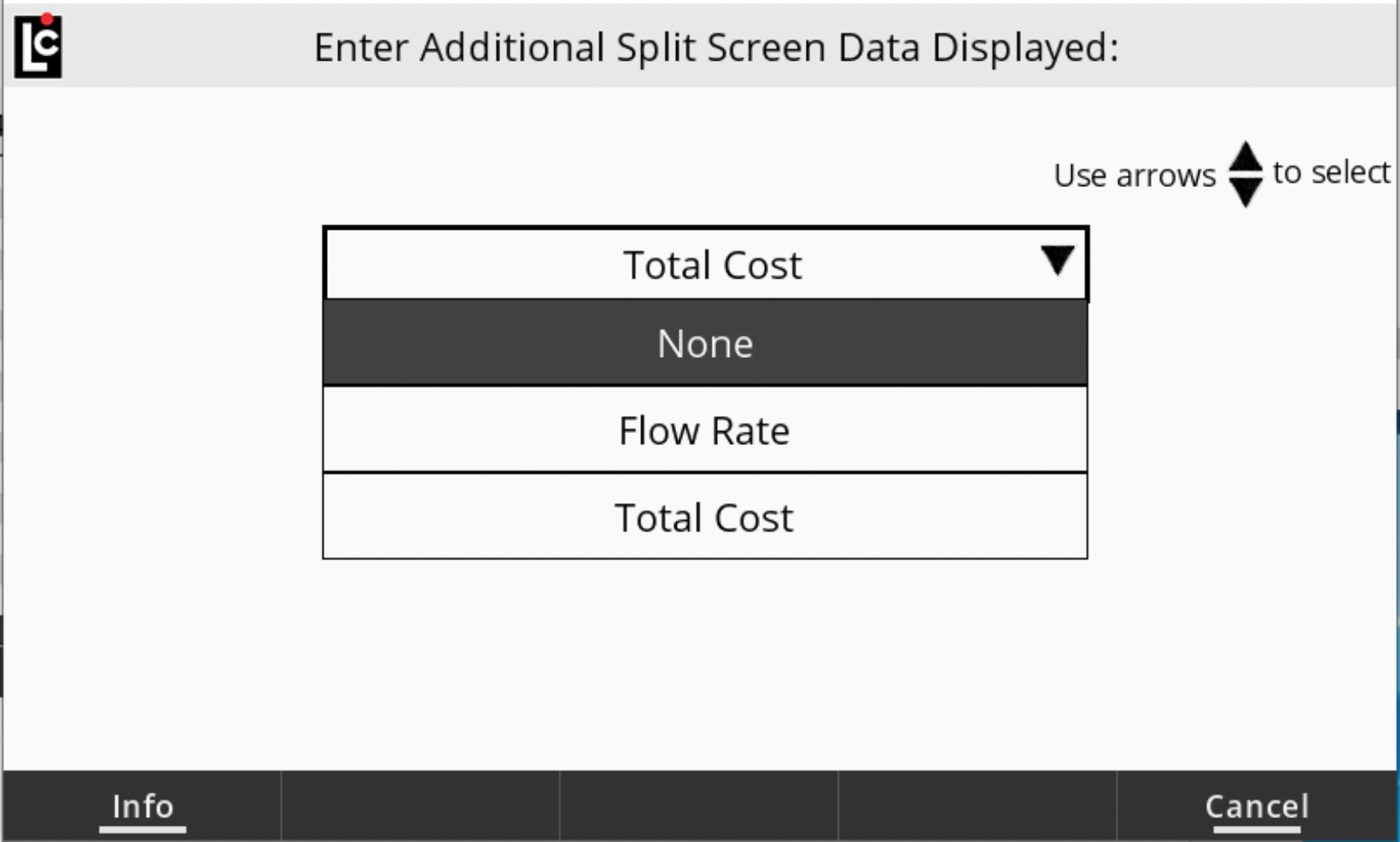
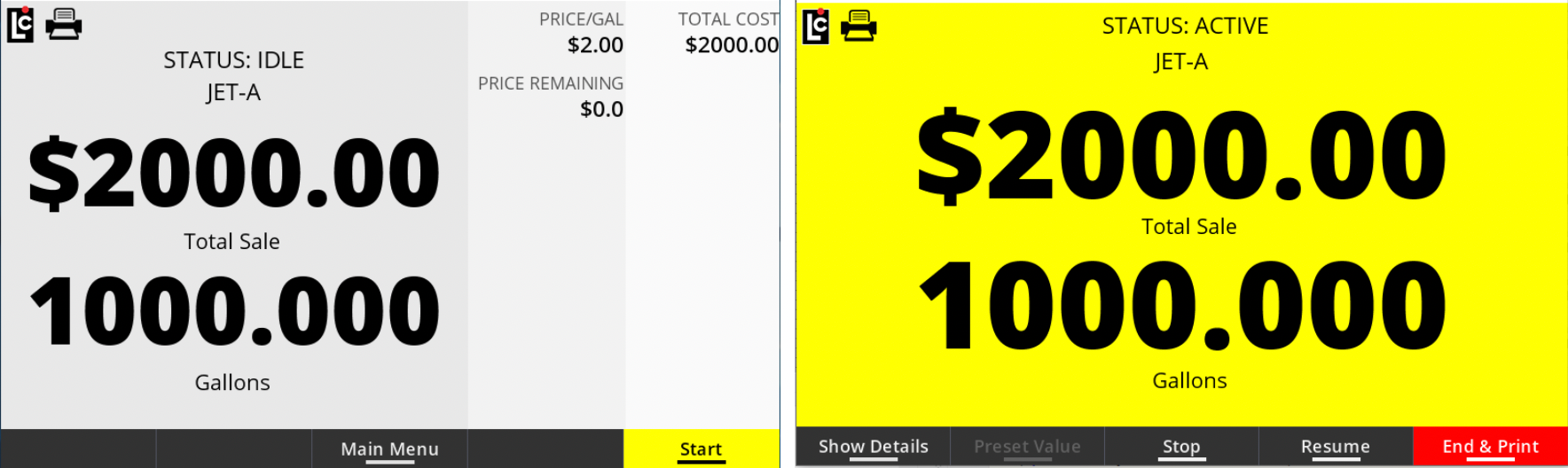
Select Total Cost to display the Idle screen and the Delivery screens split-screen mode, as shown below. Both the Total Sale and Gallons will appear in large digits.
Select Flow Rate to display the Idle screen and the Delivery screens in split-screen mode, as shown below. Both the Flow Rate and and Gallons will appear in large digits.